

Instructions for teachers
Student Report and Feedback
Students can view comments provided by their teacher and send messages related to their completed activities through the Report view.
The report is portfolio-specific and can be found on the final tab of the portfolio.
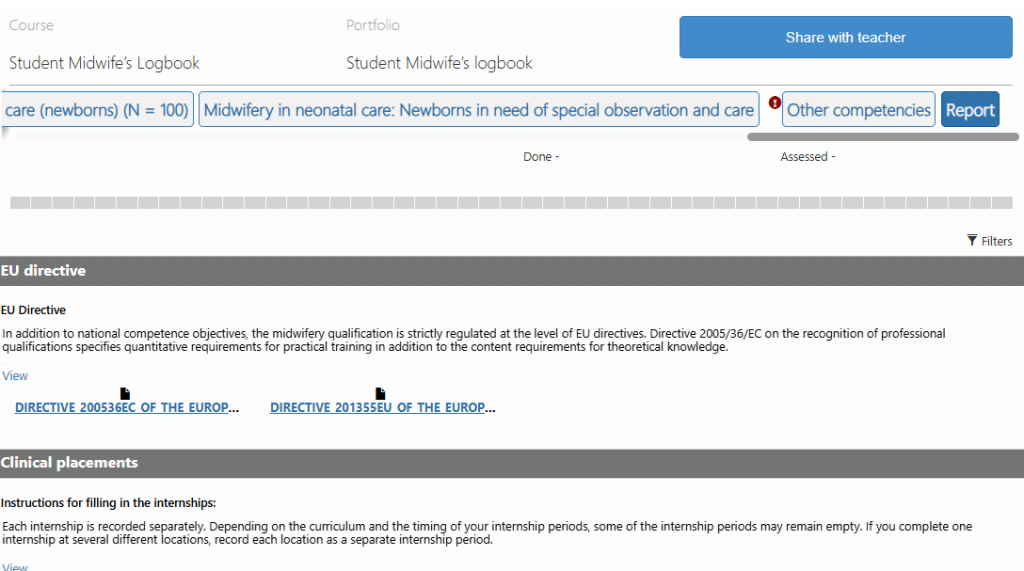
The report template contains the entire portfolio content, including all entries you have made and all sign-offs you have received. Your teacher can review your report freely and leave comments on individual activities. You can also send messages to your teacher through the report.
To add a comment, locate the appropriate row and click the “Comment” button. Enter your message in the text field that opens and click “Save.”