User Interface and Portfolio Features
Choosing language
You can change the interface language in your account settings. To access your account, click your profile picture in the top-right corner of the screen. In the dropdown menu, select “My Account”. In the view that opens, you will find the language setting under the “Account Settings” section. Change the language and click the “Save Changes” button at the bottom of the page.
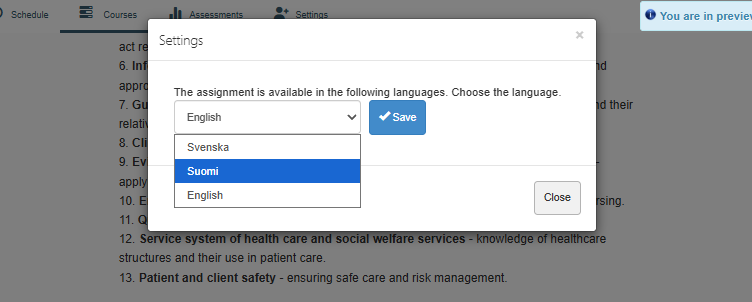
When you open your selected portfolio for the first time, the platform will ask which language you want to use for the portfolio. After this, you can easily change the portfolio language using the Settings button at the bottom of each portfolio page.